
Pool of Madness controller support: compatible gamepads
Quick answer
The official Steam store page lists Full controller support, DualShock Controller Support, and DualSense Controller Support for Pool of Madness, so PlayStation controllers and other Steam-compatible gamepads work on Windows. The game is listed for Windows platforms only on that page.
| Controller support | Full controller support, DualShock Controller Support, DualSense Controller SupportPool of Madness on Steam |
|---|---|
| Platforms | WindowsPool of Madness on Steam |
Pool of Madness controller support on Windows includes Full controller, DualShock and DualSense per the official Steam page; PlayStation pads work at launch.
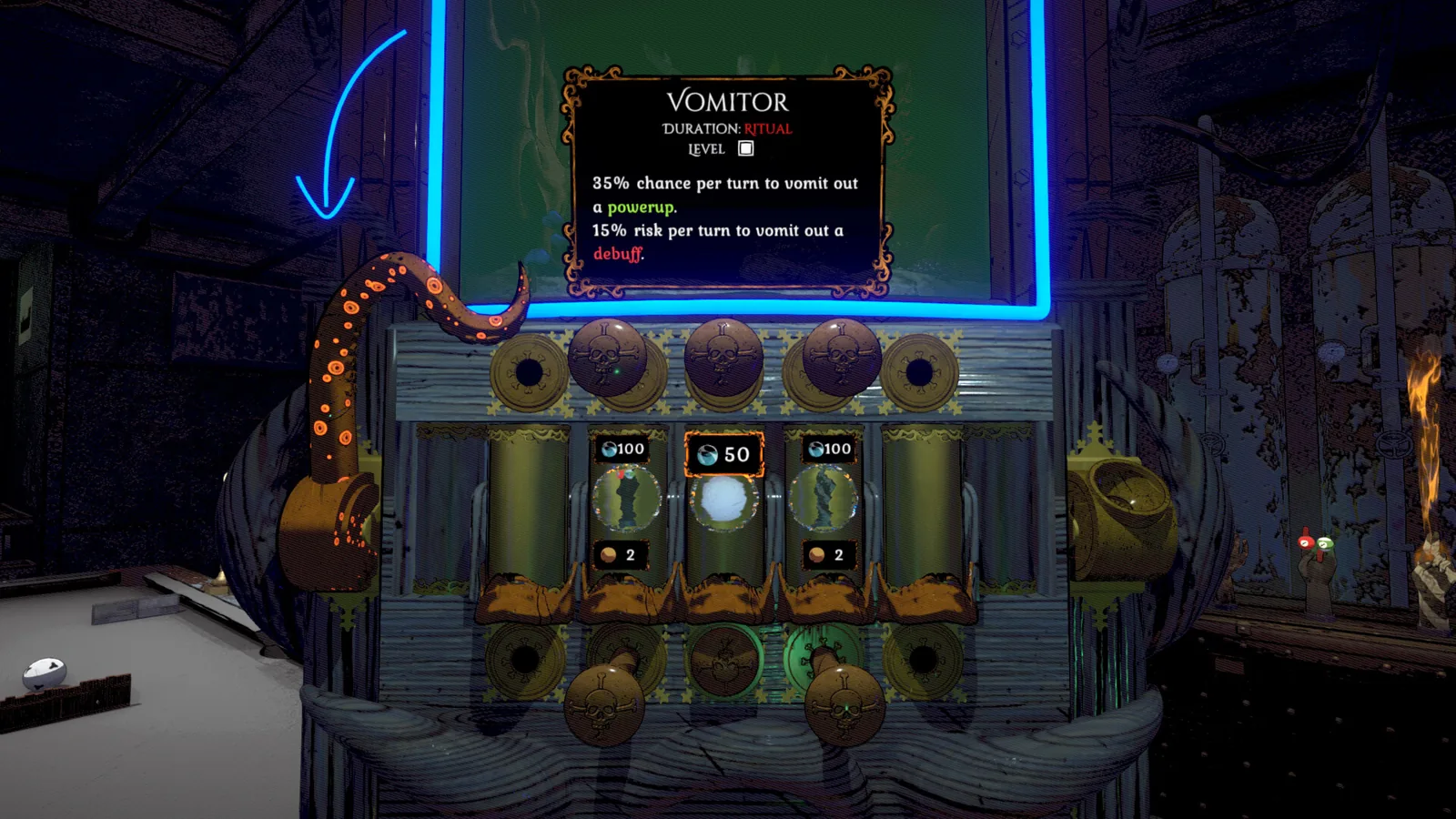
The official Steam store page lists Full controller support, DualShock Controller Support, and DualSense Controller Support for Pool of Madness, so PlayStation controllers and other Steam-compatible gamepads work on Windows.
The game is listed for Windows platforms only on that page. Pool of Madness controller support is confirmed on Windows only through the official Steam listing. The store page also tags Single-player, Steam Cloud, and Family Sharing alongside the controller entries. Early Access starts November 13, 2026, and these features describe that Windows build.
Supported controllers on Windows
The Steam store page tags the game with three controller-related features. "Full controller support" means the title is playable with a gamepad through Steam Input, which covers most PC controllers. Explicitly named are DualShock Controller Support and DualSense Controller Support, confirming PlayStation 4 and 5 pads work natively on Windows.
Connect your pad
Plug a DualShock or DualSense controller into your Windows PC via USB, or pair it over Bluetooth through Steam.Launch through Steam
Open Steam and start Pool of Madness from your library; the game should detect the controller automatically.
| Controller class | Support status |
|---|---|
| DualShock (PS4) | Listed as supported |
| DualSense (PS5) | Listed as supported |
| Other Steam Input gamepads | Covered by Full controller support |
| Xbox controllers | Not named, but typically included via Steam |
The official page does not list separate configuration menus. Steam's Full controller support classification generally lets Xbox and generic USB gamepads map to the game's control scheme without extra setup, though the store does not name them. If the pad is not recognized, check Steam's controller settings conditionally; this is not a tested in-game feature.
Unconfirmed controller scenarios
The same official Steam page shows a "Steam Deck Compatibility" heading but no verified grading as of 2026-11-11. A community article on MIXED News claims the Steam page lists VR and split-screen, yet it does not specify VR controller mappings. Treat VR controller support as unconfirmed.
Because the Early Access build is Windows-only, PlayStation controller compatibility is the primary confirmed case. No Mac or Linux controller paths are listed.
Check note: The official Steam store page provided the controller features and Windows platform fact. A community report on MIXED News mentioned VR but its controller details stay unconfirmed.
Related guides for this game
Pool of Madness support
Pool of Madness system requirements: min and recommended
The official Pool of Madness system requirements ask for Windows 10/11, i5-2400 or Ryzen 3 1200, 2 GB RAM and GTX 660 minimum to run the game on your PC.
Pool of Madness community
Join Pool of Madness discord for updates and tests
Join the Pool of Madness discord through the official Steam store page and developer announcements to reach closed beta tests, updates and feedback.
Pool of Madness equipment
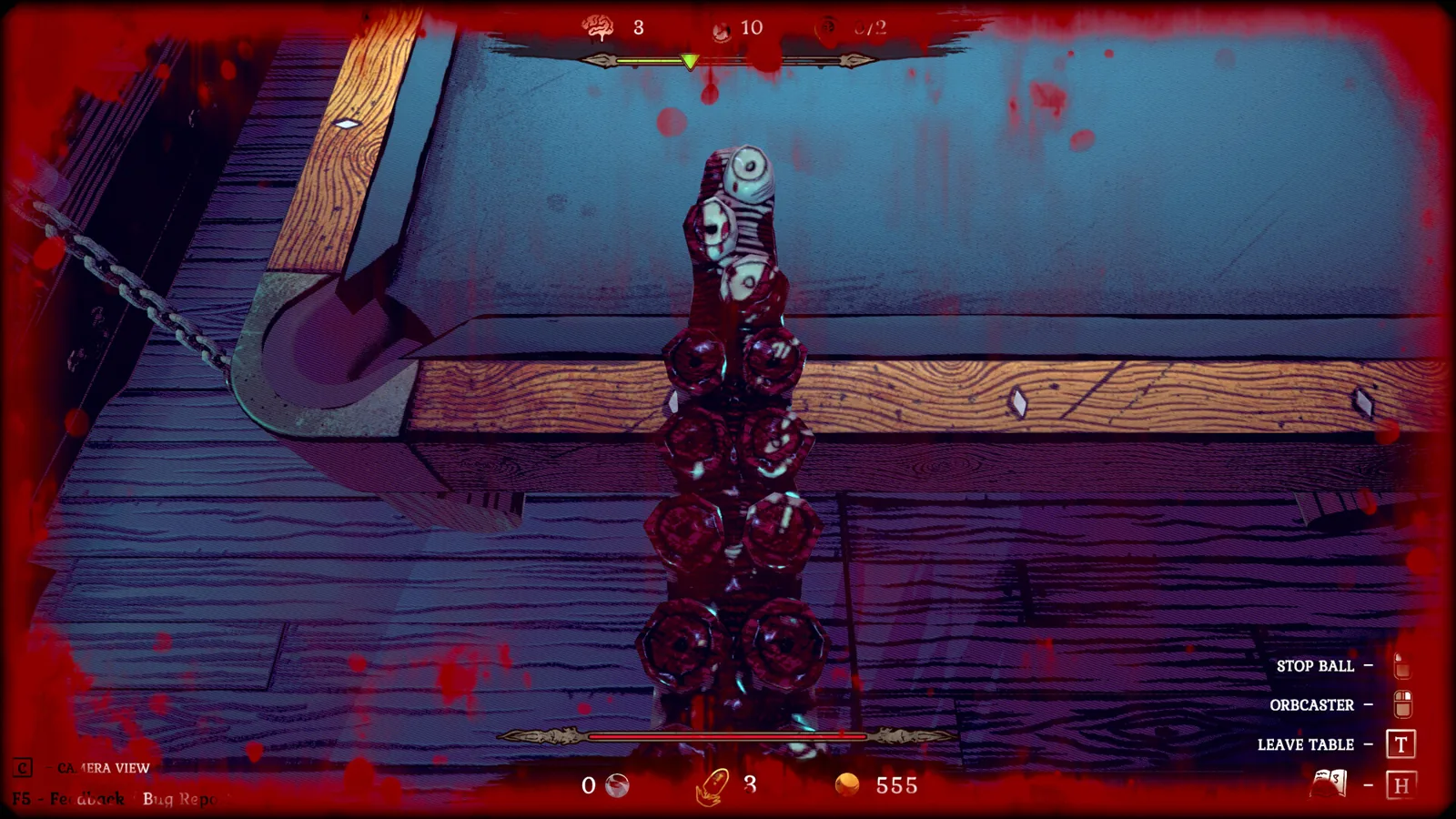
Pool of Madness cue upgrades: how to reforge your cue
Pool of Madness cue upgrades let you collect cue parts from a special equipment ball in rituals and swap tip, shaft, or handle on the Equipment screen.
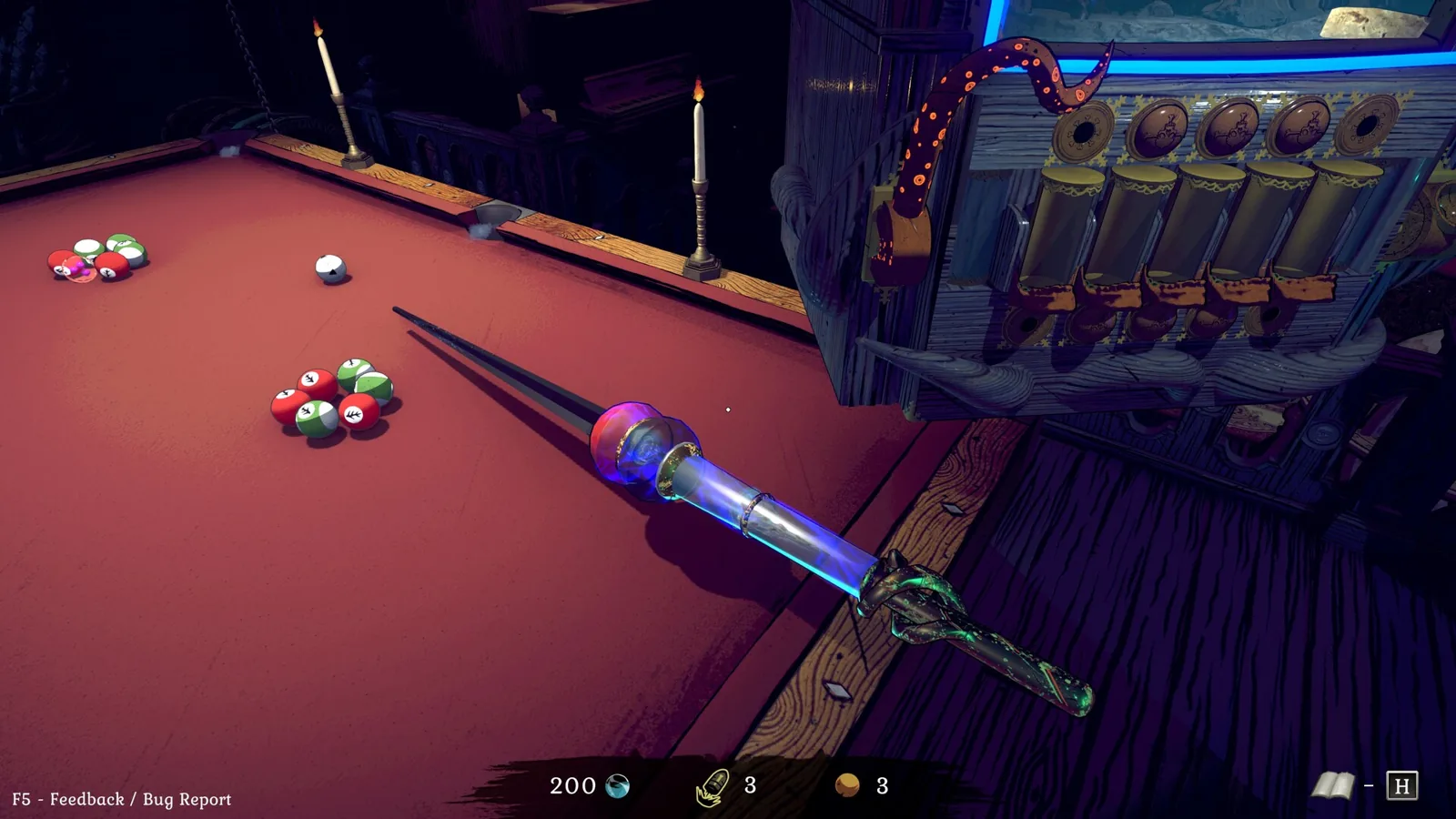
Pool of Madness gun guide: the Orbcaster and rituals
Pool of Madness gun guide: learn what the Orbcaster does, how to shoot and pull balls, and when to draw it during a ritual run.
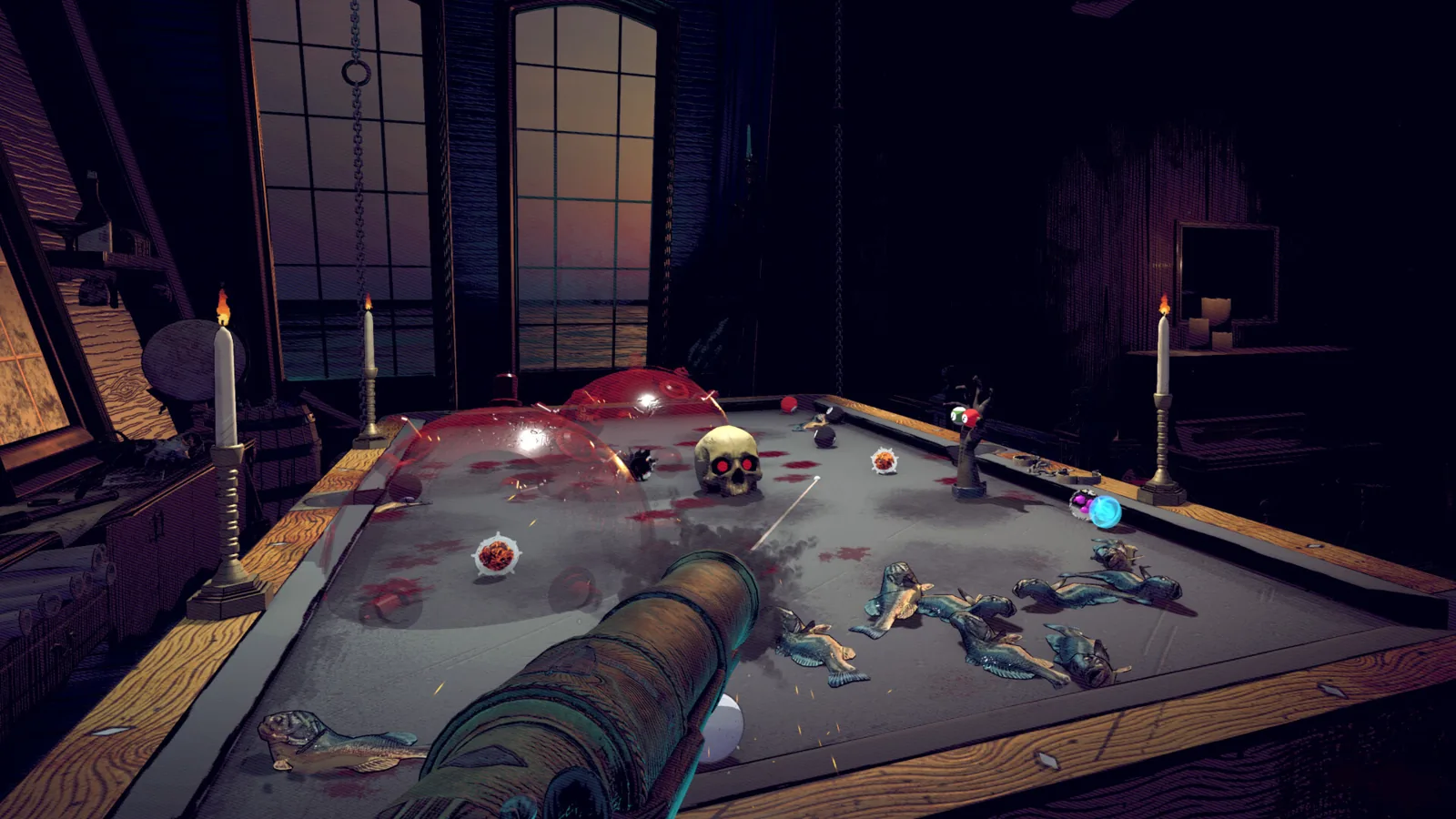
Pool of Madness haunted totems: how unlocking works
Pool of Madness haunted totems are unlockable powerups. This page explains how you unlock them through the ritual loop: upgrade your cue from collected parts.
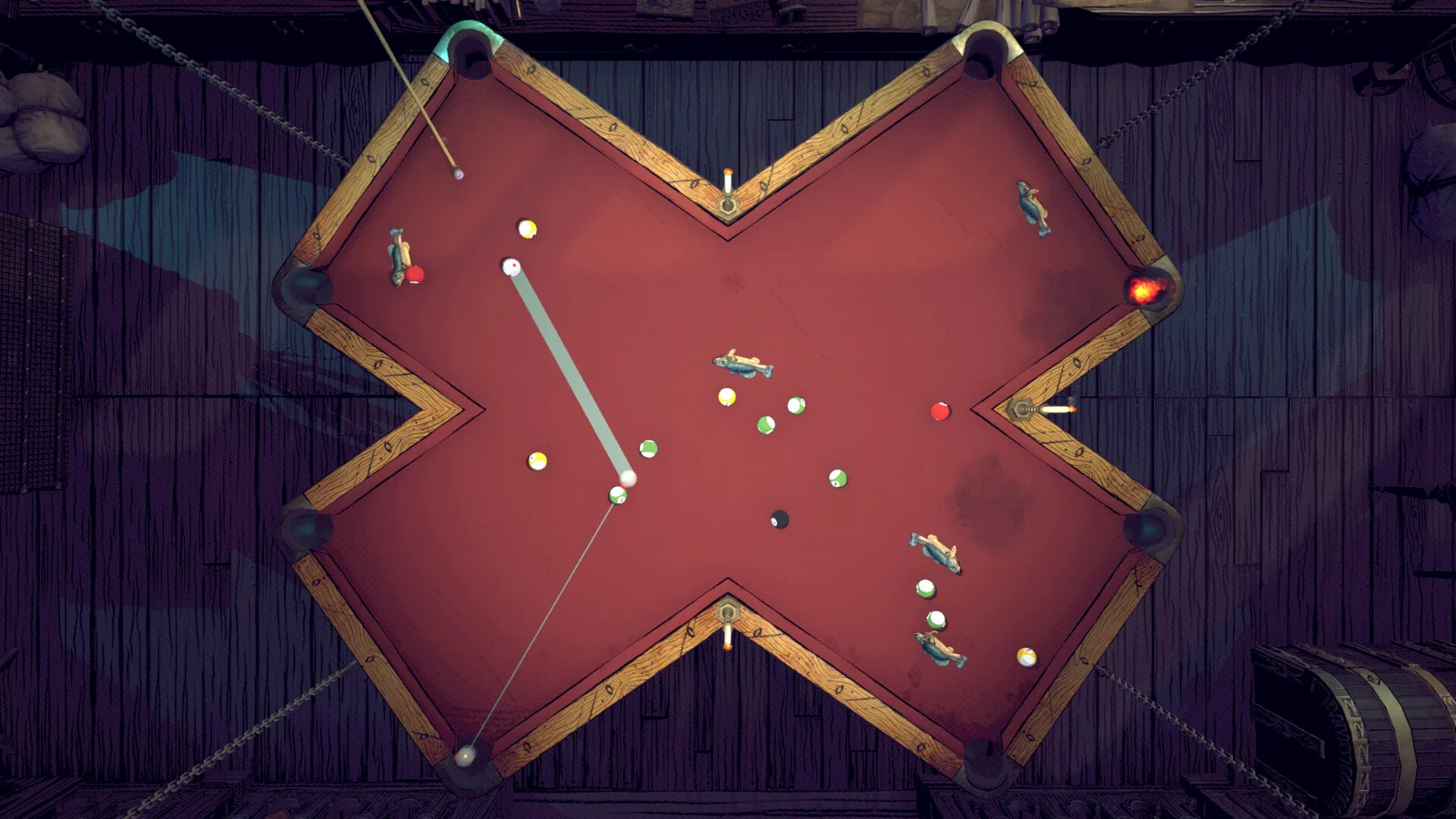
Pool of Madness powerups and how to unlock them
Pool of Madness powerups unlock through completed rituals and cue upgrades with collected parts; the official Steam page has not listed each item yet.